
Table of Contents
1. Conclusion: We Built Japanese Dictation That Can Go On Without Lowering the Curtain
nobetsu is a Japanese-only dictation app for Apple silicon Macs running macOS 26 or later. Hold Command for half a second and let go. With your hands off the keyboard, words begin appearing in whichever app currently owns the cursor. Tap Command once more or press Escape to stop.
The boundary matters. Built-in macOS Dictation already supports Japanese, inserts speech wherever text can be typed, continues without a key being held, and costs nothing. On Apple silicon, the keyboard remains usable during dictation. Apple documents an automatic stop after 30 seconds of silence but no fixed active-session duration.[11] nobetsu did not invent that basic experience.
We built a separate tool to change the path underneath it: avoid the IME and Live Conversion route that stalled during long Japanese sessions, then inject already-converted provisional text with our own differential algorithm. The bypass, rewrite logic, safety states, tests, and measurements are all published as readable source. That is nobetsu’s contribution and the subject of this article.
It is not push-to-talk that records only while a key is held. It is not a voice memo that pastes a complete transcript at the end. Converted Japanese keeps entering the target app while the speaker is still talking, and nobetsu imposes no session time limit of its own. Recognition stays on the device. There is no account and no external API key. The complete source is published on GitHub under the MIT license.[1]
The name comes from the Japanese phrase nobetsu maku nashi: performing without ever lowering the theater curtain, and by extension continuing without interruption. The name is the experience we wanted.
A 26-second demonstration. Japanese continues entering the target app after the Command key has been released. The same video is available in the GitHub repository.
The interesting part is not a new speech model built from scratch. nobetsu uses components Apple opened in macOS 26, then removes the path that tends to jam during Japanese input and builds a small machine for safely synchronizing provisional text into somebody else’s app.
2. Why We Built It: We Wanted a Path for Thought, Not Another Recorder
When dictating a long prompt or design note to an AI agent, the next sentence is often ready in the mind while the hands are still typing the previous one. Speech is faster, but every existing experience caught on something.
- In our environment, long Japanese sessions made recognition output and Live Conversion keep revising the same provisional composition until conversion lagged and input stalled.
- Microphones embedded in AI apps often divide input by duration limits or silence detection.
- Many voice-input apps developed abroad record while a key is held and insert the transcript only after release.
- Some products offer hands-free recording for long passages but still wait until the session ends before inserting the text.
These are not necessarily defects. If the goal is to polish a recording into a finished message, end-of-session processing is sensible. Meeting transcription does not need to type each character into another application.
What we wanted was less glamorous and more direct: speak ideas in order, watch the sentence grow in the active field, press Enter midway if necessary, then keep talking. Rather than add features for a market, we removed friction from a tool we wanted to use every day.
There is no conventional document window or Dock icon; while idle, nobetsu lives behind a waveform icon in the menu bar. That does not mean it has no interface. During recognition, a small draggable capsule appears with a pulsing red status light and audio-level bars. It provides pause, microphone resume, settings, and stop controls. An optional non-activating overlay can also stream the recognized text near the bottom of the screen, but it is off by default because it can overlap the destination text. The full settings menu remains available from the menu bar. The application has no third-party dependencies, only Swift and system frameworks.
3. How Many Similar Apps Exist? Count Operating Models, Not an Imaginary Fixed Total
There is no official registry of dictation applications. Distribution outside the App Store, GitHub hobby projects, products shared with meeting transcription, renames, and discontinued apps make a fixed “world versus Japan” count misleading.
On August 23, 2026, we therefore reviewed nine representative third-party products whose official material confirms system-wide or cursor-position dictation on macOS: seven developed outside Japan (Superwhisper, Wispr Flow, Willow, Aqua Voice, VoiceInk, MacWhisper, and TypeWhisper) and two from Japan (KoeType and Ikinari AI Voice Typing). This is a purposive sample for comparing mechanisms, not the size of the market. Apple’s built-in Dictation is treated separately as the baseline.[2][3][4][5][6][7][8][9][10]
| Operating model | Representative examples | Typical long-form experience | Difference from nobetsu |
|---|---|---|---|
| Built-in direct dictation | macOS Dictation | Japanese, hands-free, free, and direct insertion at the cursor while speaking | The basic experience is already there; the IME/Live Conversion route is not replaceable and its implementation is closed |
| Hold to record, release to paste | Superwhisper, Willow, KoeType | Insert a polished block after recording | Does not grow the destination field during speech |
| Hands-free, paste on stop | Wispr Flow, Willow | Hands are free, but the body arrives at completion; Flow caps desktop sessions at 20 minutes | nobetsu inserts during speech and has no app-level limit |
| Real-time | Aqua Voice, Ikinari AI Voice Typing, MacWhisper | Markets live display or entry | Public material does not document the Japanese IME bypass and provisional-tail algorithm |
| Engine and workflow platforms | VoiceInk, TypeWhisper | Local/cloud engines, LLM rewriting, history, and automation | nobetsu is deliberately narrow: continuous direct Japanese input |
Japanese language support itself is no longer rare. Multilingual Whisper-family models and commercial services recognize Japanese, and Japanese developers have released their own products. More importantly, macOS Dictation already provides the main visible experience: Japanese recognition, hands-free operation, live insertion while speaking, and no price. Counting those as nobetsu-only innovations would be wrong.
nobetsu changes the input path, not the feature checklist. First, it receives converted Japanese and uses CGEvent Unicode insertion to bypass the IME and Live Conversion entirely. Second, it exposes provisional text before finalization and repairs only the changed tail using a longest-common-prefix diff. The complete implementation, safety states, tests, and measurements are public. In the product documentation we reviewed, we did not find another implementation of that pair that could be inspected end to end. nobetsu is not broader than its competitors; it goes unusually deep into one Japanese-specific failure left by the built-in path.
4. The Japanese-Specific Difficulty: Recognition Is Followed by Another Conversion System
When English speech recognition returns good morning, the text is largely ready to insert. In Japanese, a sound such as kyō wa hashi de still requires context to choose among spellings such as “today, with chopsticks” and “today, at the bridge.” During ordinary keyboard input, the input method editor, or IME, makes those choices.
Apple’s Japanese input method includes Live Conversion, which automatically rewrites typed hiragana into contextually relevant Japanese, including kanji.[12] It is useful for short input, but long dictation adds a second moving system. Speech recognition revises an earlier estimate as later audio arrives, while the IME revises a growing uncommitted composition. Put two systems that both rewrite the recent past in series and they can keep chasing the same provisional region. In nobetsu’s development environment, conversion fell behind and continuous input stalled along that path. This was not a lack of direct dictation in macOS. Direct dictation existed; its Japanese conversion route did not survive our long-form use.
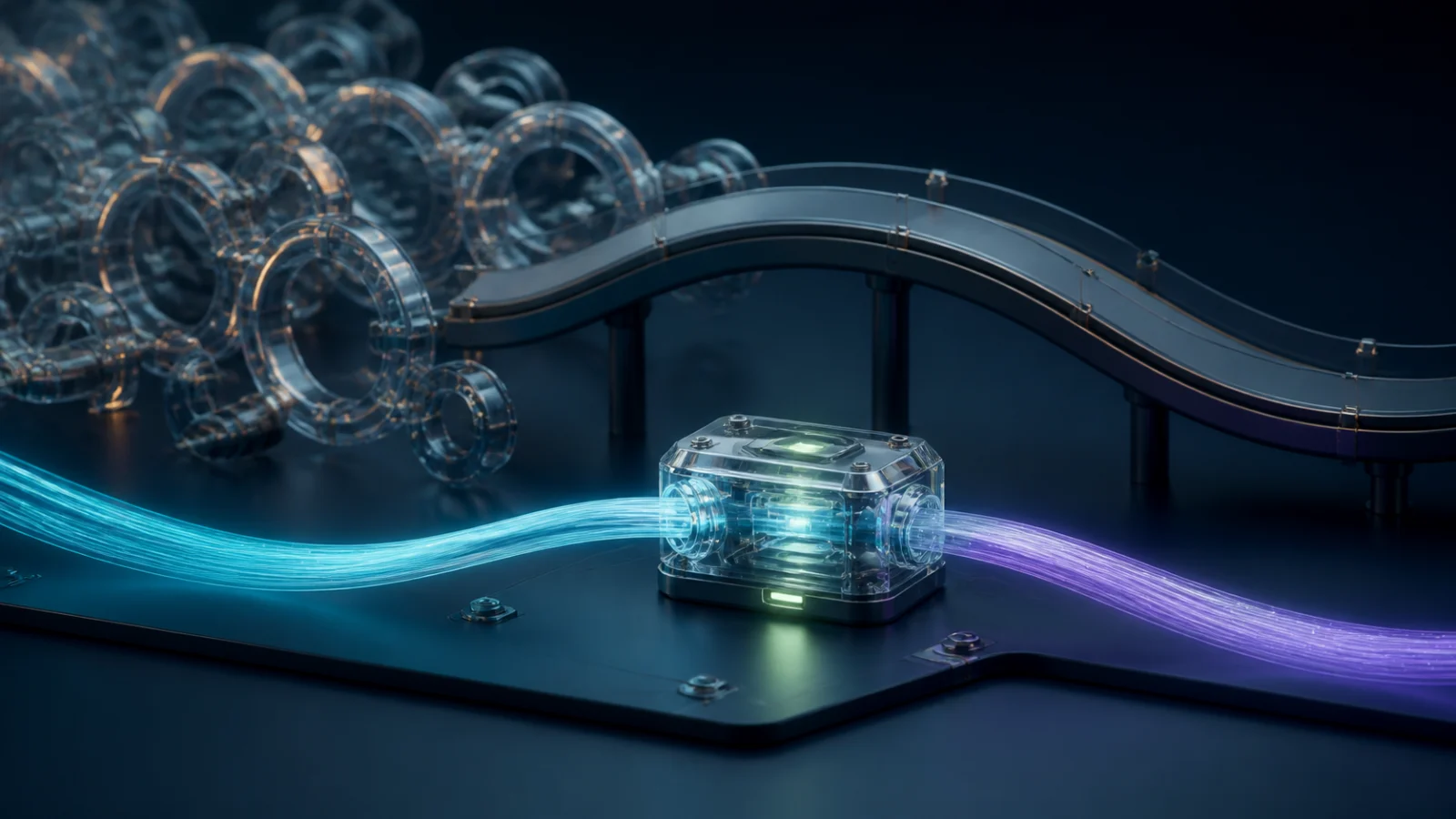
Do not let both the recognizer and the IME own a provisional sentence. Receive converted Japanese, then let nobetsu manage only the final insertion step.
nobetsu did not attempt to accelerate the IME. It removed that stage from its route. Microphone audio goes into macOS 26’s SpeechAnalyzer. A DictationTranscriber returns mixed kanji-and-kana Japanese. nobetsu sends that text to the target application as Unicode through CGEvent.keyboardSetUnicodeString. Apple’s API can override the normal character translation associated with a virtual key event.[13][14][15]
Conventional path
Microphone → speech recognition → reading/provisional text → IME reconversion → target app

nobetsu
Microphone → AVAudioEngine → SpeechAnalyzer + DictationTranscriber
           → converted Japanese → dictionary → CGEvent Unicode → target app
                                                (no IME)
Apple describes SpeechAnalyzer as an on-device API suited to long-form and distant audio such as lectures, meetings, and conversations. It asynchronously supplies volatile results that can still change and final results that will not. nobetsu repurposes that new component from “transcribe a recording” into “connect Japanese speech to any application.”[13]
5. From Sound to the First Character: Small Operations in a Deliberate Order
The path from activation to insertion is:
- A
CGEventTapdetects a Command-only hold of 0.5 seconds. If another key, a click, or a non-momentum wheel event arrives while Command is down, nobetsu classifies it as a shortcut and cancels activation. - It checks microphone and recognition permissions and prepares a
ja-JPDictationTranscriber. AVAudioEngineinput is converted withAVAudioConverterto SpeechAnalyzer’s preferred format and yielded to anAsyncStream.- For each audio span, the recognizer returns a changing provisional full string and then a final string. Punctuation, far-field capture, and frequent finalization are enabled.
- The personal dictionary applies longer rules first. A phrase that is linguistically plausible but wrong for the user’s work can be replaced just before insertion.
- The new provisional full string is compared with the one already typed. Only the changed tail is updated with Backspace and Unicode events.
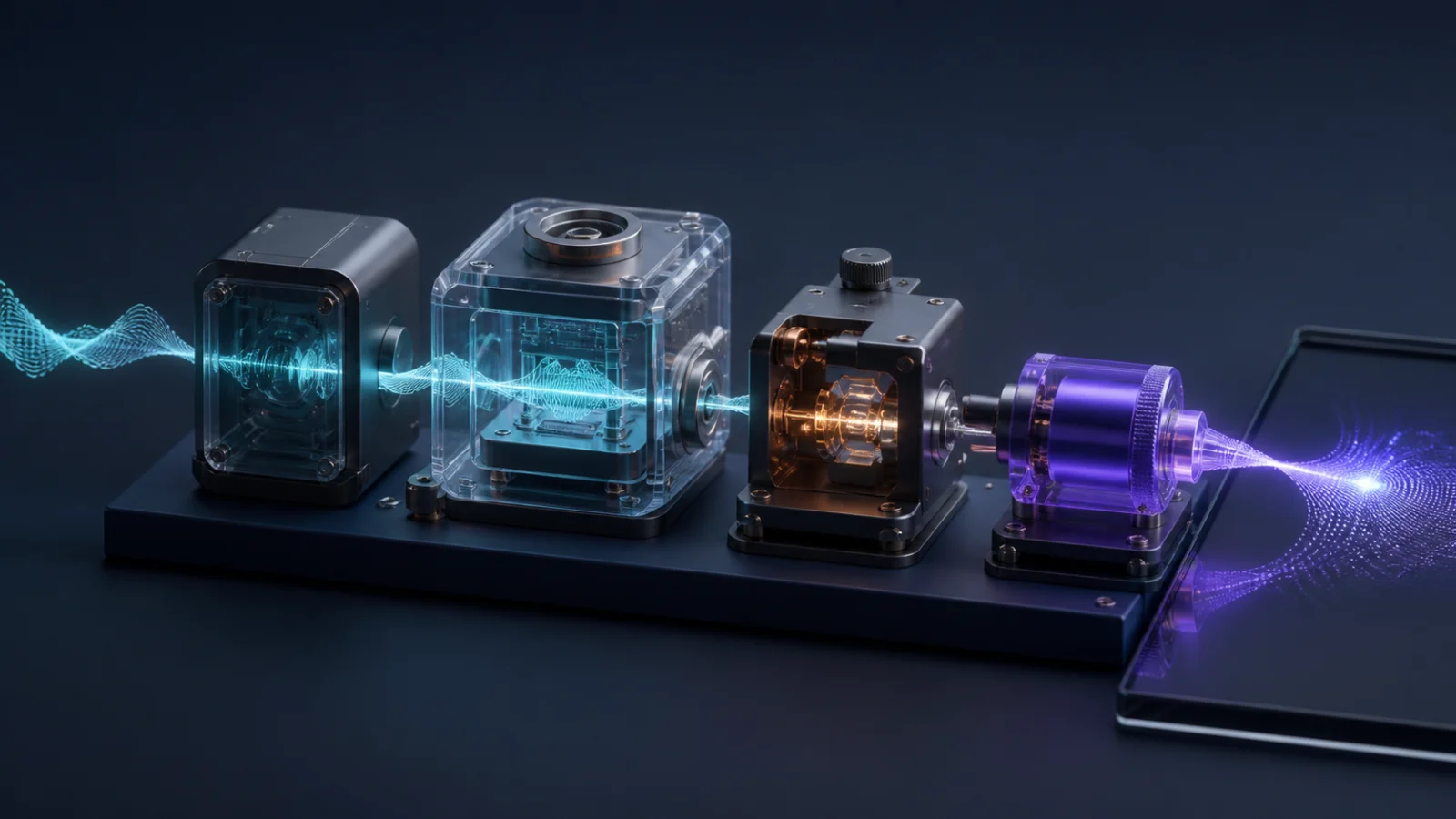
Capture, on-device recognition, dictionary replacement, and differential insertion stay small and separate. A delay or failure can therefore be traced to one stage instead of disappearing inside a monolith.
Even the start sound has an ordering reason. If a sound plays before the microphone is ready, people naturally begin at the cue and lose the first syllable. nobetsu therefore waits until the microphone is actually capturing, allows 0.25 seconds for a Bluetooth route change, and only then plays the cue. On stop, it does the inverse: close the injection gate first, remove the audio tap, stop and reset the engine, and discard the engine instance before waiting for recognition cleanup. That prevents competition with built-in Dictation for the microphone.
6. Do Not Wait for Final Text: Insert Optimistically and Rewrite Only the Tail
SpeechAnalyzer’s provisional results do more than append. Later sound can revise an earlier word. One span might arrive like this:
Pass 1  今日は音声にゅう
Pass 2  今日は音声入力を
Pass 3  今日は音声入力を試します。
Pasting each full result duplicates text. Deleting and retyping the whole span each time creates flicker, event congestion, and deletion risk. nobetsu instead calculates the longest common prefix between the previous and current result.
Previous: 今日は音声にゅう
Current:  今日は音声入力を
Common:   今日は音声

Action: delete only the three-character tail 「にゅう」, then insert 「入力を」
Results can arrive roughly four or five times per second, so nobetsu throttles destination updates to once every 0.25 seconds. It calculates deletion counts in Swift Character units, avoiding the mistake of treating a flag emoji or combining sequence as several user-visible characters. At the CGEvent boundary it converts to UTF-16 and sends chunks of at most 16 code units because some applications drop oversized synthetic events.
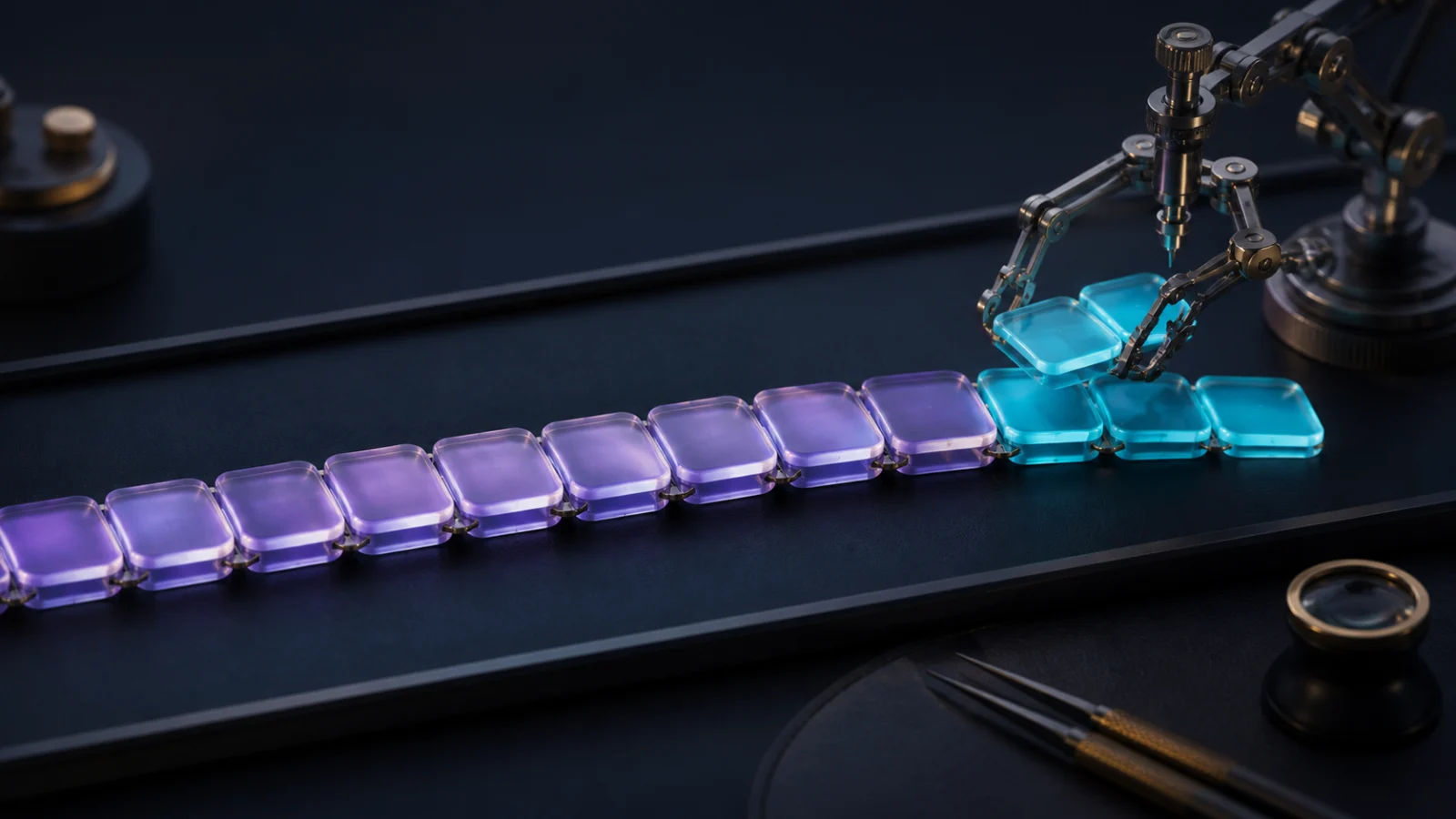
Never rebuild the stable beginning. Replacing only the changed tail makes it possible to show provisional text early without constantly rewriting everything.
The design resembles an optimistic database update: show the best current estimate now and repair only the place whose assumption changed. It is faster than waiting for finalization and calmer than full replacement.
7. Recognition Was Not the Hard Part; Protecting the User’s Writing Was
The prefix diff is short. The target, however, is not a text view owned by nobetsu. It may be Slack, a browser, or an editor. During dictation, the user can press Enter, insert a newline, click, or type manually. Applying an old diff after that could Backspace through the user’s own work.
nobetsu chooses safety in several distinct states:
- Manual typing or a click invalidates the baseline. nobetsu resumes without duplication only if the next provisional string still begins with the abandoned text. Otherwise it gives up on that span.
- Enter is held for 0.12 seconds. The last one or two synthetic characters can reach the app before Enter is replayed, preventing a lone Japanese period from arriving in the empty field after a message was sent.
- Submitted text becomes a protected virtual prefix that no longer exists on screen. If recognition later revises history, nobetsu never Backspaces into content that has already left the input field.
- Shift+Enter is a newline, not a submission. It does not cut the recognition span.
- Late final results after stop are discarded. Visible provisional text is not inserted twice.
- Leaving the destination stops dictation by default. A forgotten session should not send a private monologue into a colleague’s message field.
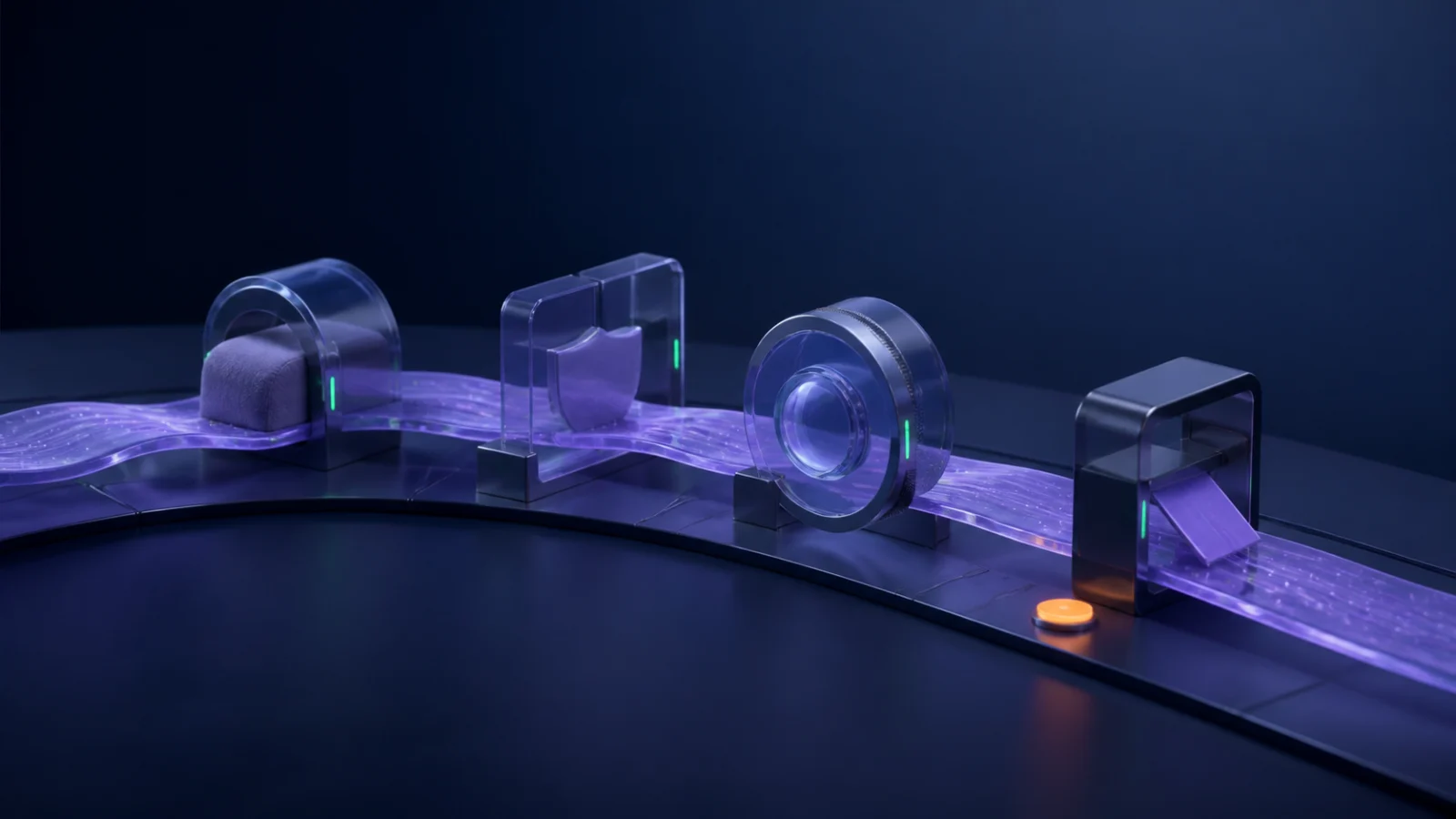
Fast insertion is not enough. Submission, human intervention, focus movement, and late recognition results each need their own gate.
Focus tracking is not notification-only either. Electron apps may not initially expose their fields to Accessibility, and focus notifications behave differently across applications. nobetsu inspects from a separate queue every 0.4 seconds and decides the user has left only after two consecutive confirmed non-text states. An unknown state is not treated as evidence. This does not improve a recognition benchmark, but it determines whether the app can be trusted as an everyday tool.
8. Measure the Engines, Keep the Source Small, Then Publish the Whole Thing
We selected the engine by measurement rather than its name. On a MacBook Air M4 running macOS 26.5.2, we compared three configurations during 80–105 seconds of natural Japanese speech.
| Configuration | First display | Provisional mean/max delay | Final mean/max delay | Errors |
|---|---|---|---|---|
| Dictation + frequentFinalization | 1.63 s | 0.16/0.38 s | 0.42/0.86 s | 7 in 500 characters |
| Dictation | 1.33 s | 0.16/0.38 s | 0.32/0.52 s | 5 in 668 characters |
| SpeechTranscriber | 11.79 s | 0.08/0.18 s | 3.78/8.34 s | 5 in 531 characters |
SpeechTranscriber did not lose badly on accuracy. In this environment, however, first display took 11.79 seconds and finalization lagged by as much as 8.34 seconds. DictationTranscriber was a better fit for watching a destination field while speaking. The optimistic provisional path came from those measurements, not from taste.
The published application is about 2,965 lines across 12 Swift files. A shell script invokes swiftc, bundles the dictionary, signs the app, and installs it at /Applications/nobetsu.app. There is no Xcode project and no external dependency. Tests focus on the parts that can destroy writing and can also be expressed as pure functions: dictionary replacement, prefix-diff calculation, and protection of submitted prefixes.
It is not universal. It requires macOS 26 and Apple silicon. The interface and recognition locale are Japanese. An application that ignores CGEvent Unicode may not accept its input, and synthetic key delivery requires macOS permissions. Within that narrow boundary, however, it delivers the experience we wanted.
A new model is not always necessary to make a new tool. Combine a new operating-system capability with careful study of small failures in real use, and an unserved workflow can appear. nobetsu is not a product we are trying to monetize. It is the result of following one persistent itch all the way down. The code, video, measurements, and design decisions are on GitHub for anyone to run, inspect, and adapt.[1]
References
- [1]pochang6/nobetsu on GitHub. The repository includes the README, complete source, measurement spike, demonstration video, and MIT license. ↩
- [2]Superwhisper and its model guide describe hold–speak–release operation, 100+ languages, and local or cloud models. ↩
- [3]Wispr Flow, “Use Flow hands-free” documents paste-on-stop behavior and the 20-minute desktop maximum. ↩
- [4]Willow Voice, “Dictating with Willow Voice” says the complete dictation is inserted after release or after No Hands Mode stops and lists 50 languages. ↩
- [5]Aqua Voice for Mac and its official FAQ describe Realtime Mode and 49 languages including Japanese. ↩
- [6]Beingpax/VoiceInk on GitHub is an open-source macOS application with local recognition, shortcuts, and a personal dictionary. ↩
- [7]MacWhisper advertises real-time dictation and support for more than 100 languages. ↩
- [8]TypeWhisper/typewhisper-mac on GitHub provides multiple engines including SpeechAnalyzer, streaming preview, and automatic paste after a completed session. ↩
- [9]yasu-888/koetype on GitHub is a free Japanese project with local Whisper and Gemini modes; its README describes recording, stopping, transcribing, then pasting. ↩
- [10]SOURCENEXT, “Ikinari AI Voice Typing” is a Japanese commercial product that advertises offline, real-time, and hands-free operation. ↩
- [11]Apple Support, “Dictate messages and documents on Mac” says Dictation works wherever text can be typed, allows keyboard use during dictation on Apple silicon, and stops after 30 seconds without speech. ↩
- [12]Apple Support, “Enter Japanese text using a Japanese input source on Mac” explains that Live Conversion automatically converts hiragana into relevant Japanese, including kanji, as the user types. ↩
- [13]Apple Developer, “Bring advanced speech-to-text to your app with SpeechAnalyzer” (WWDC25) explains long-form and distant on-device speech, volatile and final results, and AssetInventory. ↩
- [14]Apple Developer,
DictationTranscriberdocuments the SpeechAnalyzer module based on the same on-device model family as system Dictation. ↩ - [15]Apple Developer,
keyboardSetUnicodeStringdocuments setting Unicode text on a keyboard event and overriding normal virtual-key character translation. ↩

NEW NOVEL 2026/08/01
Clouded Glass
Polishing is not about force.
Volume two of The World Became Slightly Farther Away.Five stories that can also be read as a starting point.
View on Amazon
Jijoden.com
Your life is worth writing.
There is a truer self you can tell only to AI.Gather fragments of memory into a single story.
Take a LookRelated Articles
Building nagara: A Voice Player for AI Replies, Articles, and Novels
I wanted long Claude Code replies to be easier to listen to. This engineering story follows nagara, an open-source macOS player built with Swift and AivisSpeech, through quiet collection, sentence navigation, and pitch-preserving playback speed.
Fixing Chronic macOS Dictation Failures Structurally: A Practical Runbook
This guide breaks down recurring macOS Dictation failures by daemon layer (corespeechd, DictationIM, coreaudiod), then provides fast recovery steps, preventive tuning, and long-term migration options.
Google Sheets Looks Huge Even Though Chrome Says 100%: Fixing a Ghost Zoom Entry in Chrome Preferences on macOS
Diagnose and repair a macOS Chrome profile where Google Sheets and Docs render at an apparent 125% scale even though Chrome and the editor both report 100%. Includes devicePixelRatio comparison, read-only Preferences inspection, a backup-first Python repair, and rollback commands.
The 14GB ChatGPT.app That Froze My Mac Overnight: Hunting Down the Codex Memory Runaway and Making It Heal Itself
The macOS ChatGPT.app (Codex) ballooned to 14GB overnight and froze a 16GB MacBook Air. The cause was a combination of known app bugs and a single-thread Automations habit. This is a data-driven post-mortem, plus a fully automated three-layer fix: thread rotation, a memory watchdog, and history archiving.
Brain to Product Is Out: A Book About Turning Voice and Intent into Product Work
Announcing Brain to Product, a book about using voice input and AI agents to turn rough intent, constraints, and product judgment into working software.